
Professional POS Guard™ resources that help your team install, organize, verify, and complete POS setups with confidence.
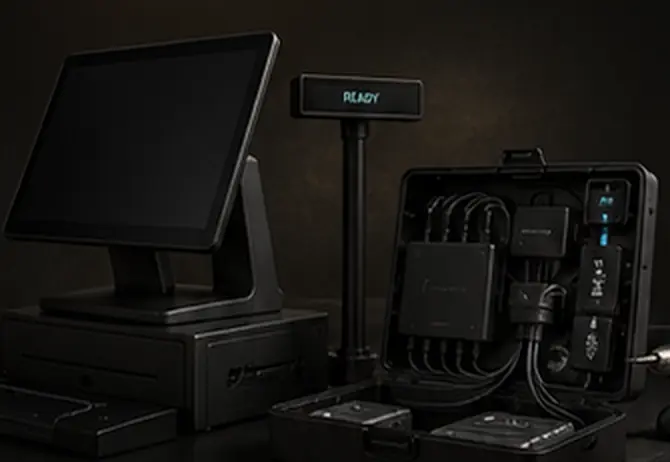
Professional installation resources that protect devices, organize cables, and ensure every POS station is ready for business.
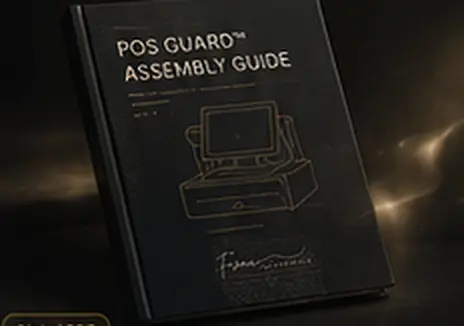
$19
Step-by-step installation guide covering cable routing, customer display setup, internal device connections, main display mounting, locking, and final verification.
$129
Clean installation solution designed to organize internal devices, secure display placement, manage cables, and support a professional countertop setup.
$249
Guided support for setup, connection checks, and final readiness verification.
Prepare the enclosure
Insert and route the USB-C cable before installing display components.
Install display components
Connect and lower the customer display while keeping cables clear.
Connect devices and power
Organize the power adapter, communication hub, scanner, network, and peripheral cables inside the enclosure.
Lock and verify
Lock and verify
Seat the main display, secure it in position, and complete the final installation checklist.
Use this checklist to confirm every component is installed correctly and the station is ready for operation.
Our team is here to help you complete your installation with confidence. Contact us for support, questions, or custom recommendations.